

From Designer to Artworker
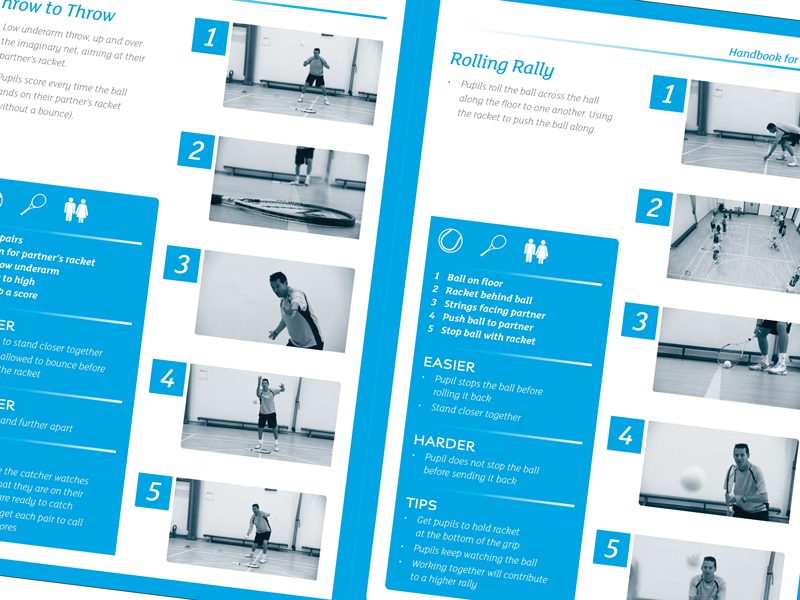
Propeller’s designer created the initial concept pages, and Sarahjane continued the production of the remaining 91-page booklet using supplied text and images. Working in Adobe InDesign, she used paragraph styles, master pages, and object styles to maintain consistency throughout the publication while creating an efficient and flexible layout. This structured artwork approach ensured the document remained easy to update, accurate, and production-ready, allowing the project to progress smoothly from creative concept through to final artwork.
Sarahjane creates professional multi-page handbooks using Adobe InDesign, building structured layouts that are consistent, easy to navigate, and ready for commercial print. Using master pages, paragraph styles, and carefully prepared images, she ensures every page maintains accuracy, branding, and a polished finish. Once complete, the artwork is exported as a print-ready PDF, with all technical requirements checked to ensure the document is suitable for professional production. From initial layout through to final artwork, Sarahjane provides reliable freelance artwork support for handbooks, brochures, reports, and other complex publications.

 Freelance Artworker Brighton