

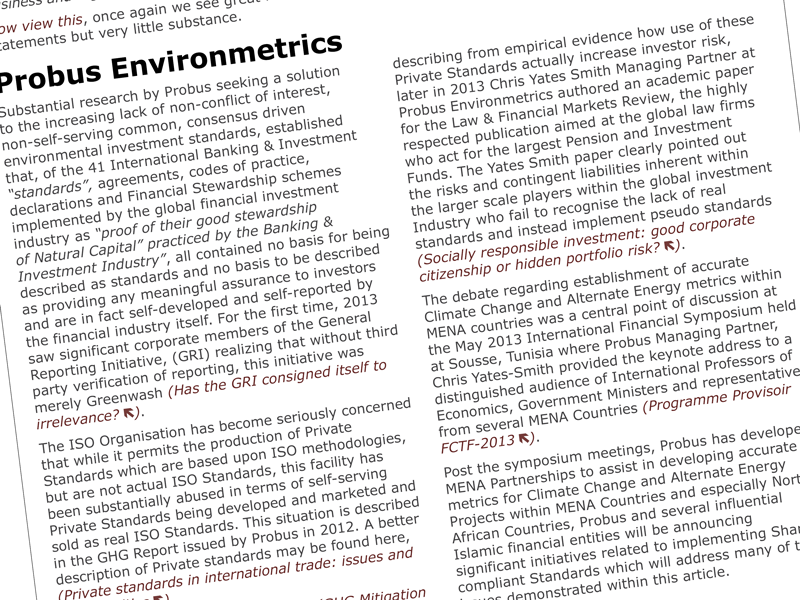
Collating Microsoft Word Files in Adobe InDesign
Working remotely as a freelance artworker, Sarahjane Jackson was tasked with combining a collection of Microsoft Word research documents into a single, easy-to-navigate interactive PDF. The finished 226-page publication featured a fully linked table of contents, appendices, and internal hyperlinks, making it simple for readers to find information quickly.
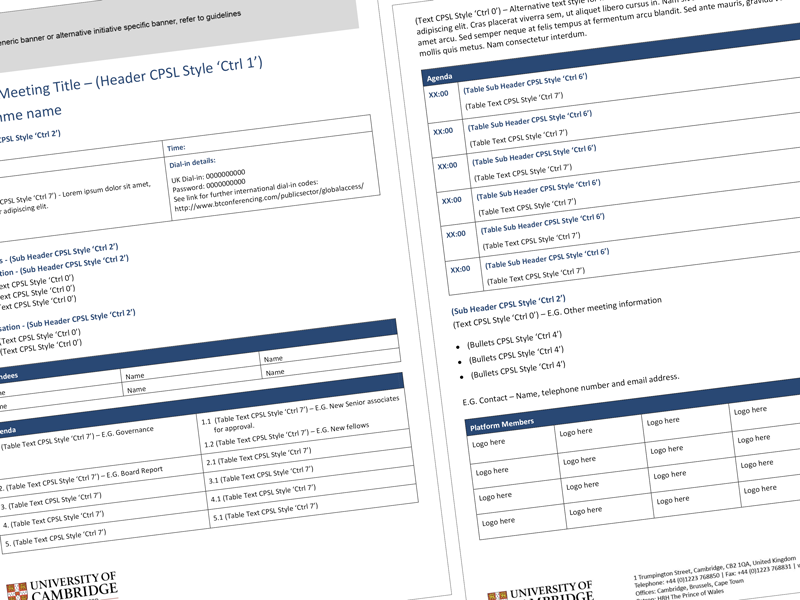
Using Adobe InDesign, Sarahjane imported and formatted the Microsoft Word files, creating a professional, print-ready layout while maintaining consistency throughout the document. The final interactive PDF was then optimised to reduce the file size, making it easy to email to clients around the world without compromising quality.
Visit Sarahjane’s testimonials page to read reviews from clients and design agencies, and discover why she’s trusted to deliver accurate, high-quality artwork on time and to the highest standard.
 Freelance Artworker Brighton