Adobe Acrobat Comments Are the Fastest Way to Manage Artwork Amendments

Acrobat comments are the quickest to highlight artwork corrections by Sarahjane Jackson, Artworker

PDF Comments and Sticky Notes Make Proofing Simple

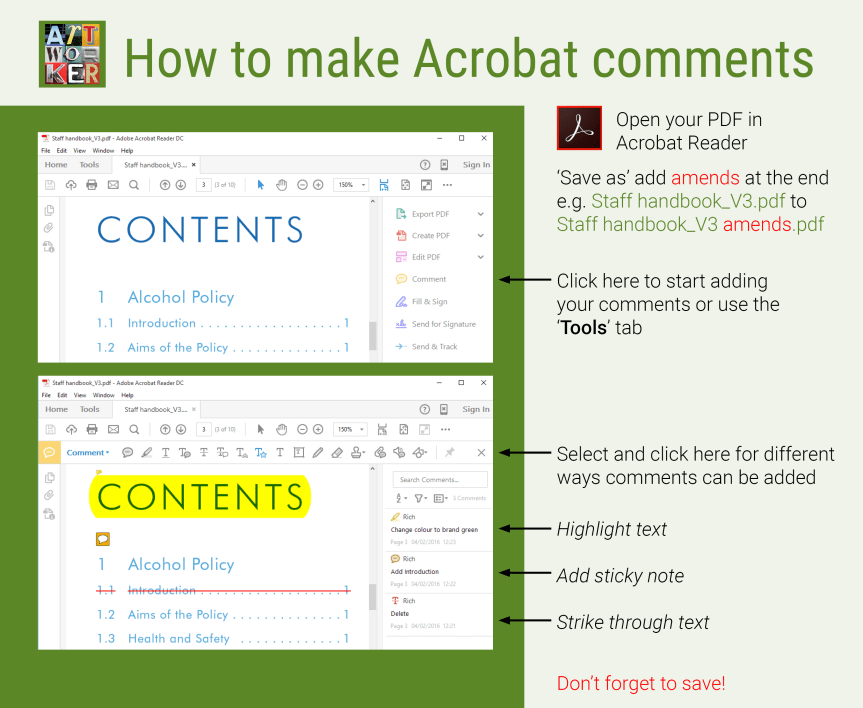
Adobe Acrobat comments and sticky notes are one of the quickest and most accurate ways to proof artwork. Instead of describing where a change is needed, reviewers can place comments directly onto the PDF using simple instructions such as delete, replace, or add. This speeds up communication and helps everyone involved in the project understand exactly what needs to be changed.

PDF comments can be shared between clients, designers, artworkers, and project managers, with each amendment displaying the reviewer’s name. Replies can be added to comments, creating a clear record of decisions throughout the proofing process. Text can also be copied and pasted directly from a PDF, helping to reduce typing errors and improve accuracy.

For Sarahjane, Adobe Acrobat comments provide an invaluable visual checklist when making amendments. Even if page numbers change during production, every comment remains attached to the correct location, making updates faster and more reliable. This efficient workflow is especially useful for large reports, brochures, catalogues, and other multi-page documents.

If you would like advice on using PDF comments or need help reviewing artwork, Sarahjane is happy to help.


Visit Sarahjane’s testimonials page to read reviews from clients and design agencies, and discover why she’s trusted to deliver accurate, high-quality artwork on time and to the highest standard.


Student Handbook Created in Adobe InDesign by a Freelance Artworker

Student Handbook layout indesign, canva, Freelance Artworker Brighton
Killer Creative Artworker Sarahjane Jackson

Artwork Production from an Approved Design

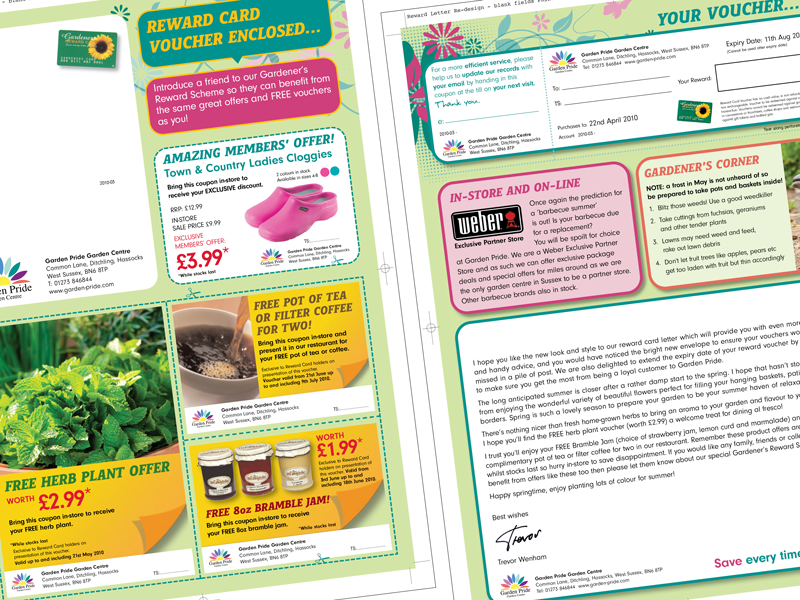
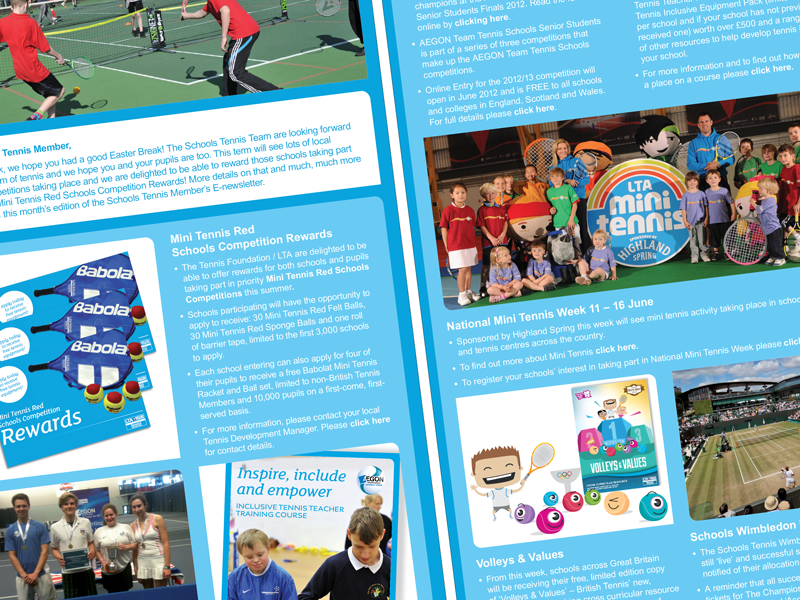
Designed by the Art Director at Killer Creative and artworked by Sarahjane Jackson, this project demonstrates the seamless transition from creative concept to production-ready artwork. Working from the approved branding and design concept, Sarahjane produced both the 44-page Student Handbook and the Pre-arrival Handbook as professional, print-ready Adobe InDesign publications.

The artwork process included setting up master pages, paragraph and character styles, preparing and optimising images in Adobe Photoshop, and ensuring every page met commercial print standards. Using structured styles and templates kept the layout consistent and made future amendments efficient.

Following PDF proof reviews, Sarahjane carefully implemented all client amendments and final corrections using Adobe Acrobat comments, delivering accurate, high-quality artwork on schedule. The finished handbooks maintained the original creative vision while ensuring every detail was technically correct and ready for professional printing.


Visit Sarahjane’s testimonials page to read reviews from clients and design agencies, and discover why she’s trusted to deliver accurate, high-quality artwork on time and to the highest standard.

Newsletter created in InDesign

Newsletter created in InDesign save into a PNG, InDesign Freelance Artworker Brighton

Newsletter Created in Adobe InDesign

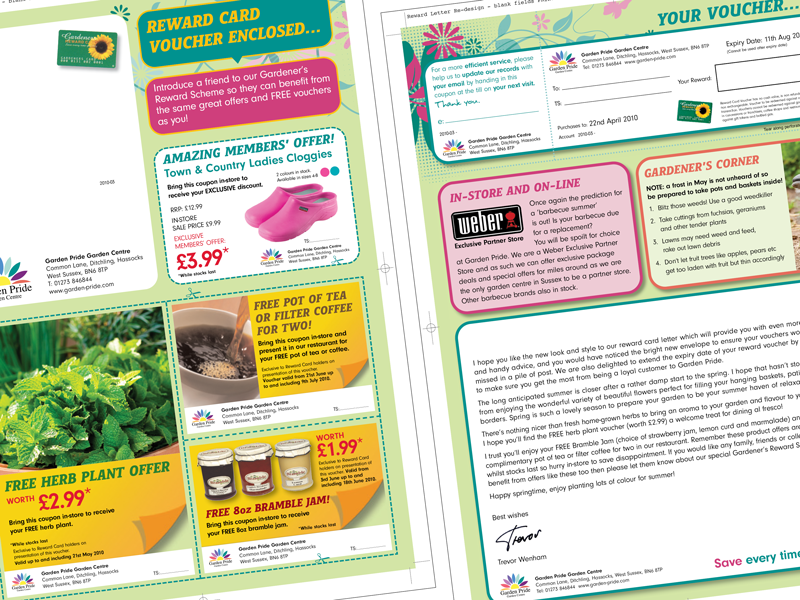
Sarahjane creates professional newsletters in Adobe InDesign, combining text, images, and branding into clean, easy-to-read layouts. Designed with both print and digital use in mind, newsletters can be exported in a range of formats including PNG, JPEG, and PDF depending on the required application.

Using her artwork skills and attention to detail, Sarahjane ensures each newsletter is consistent, visually engaging, and ready to share with clients, customers, or employees.


Visit Sarahjane’s testimonials page to read reviews from clients and design agencies, and discover why she’s trusted to deliver accurate, high-quality artwork on time and to the highest standard.